

Telegram is famous for its “Mini Apps” those handy programs like games or wallets that run right inside your chat window. But there’s a catch:
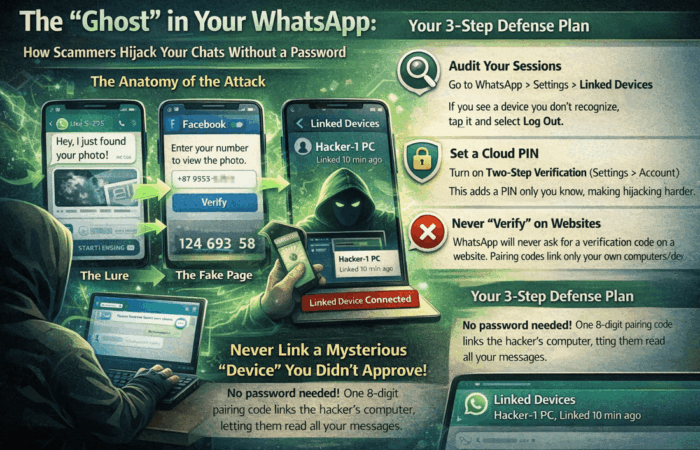
The “Ghost” in Your WhatsApp: How Scammers Hijack Your Chats Without a Password
Have you ever received a message from a friend saying, “Hey, I just found your photo!” with a link that looks like Facebook? At Drapari Online, I’m seeing

WhatsApp AI Voice Cloning Scams: How They Work & How to Stay Safe
In a world where technology evolves rapidly, so do the tactics of cybercriminals. The latest WhatsApp scam is nothing short of alarming—AI-powered voice cloning. Imagine
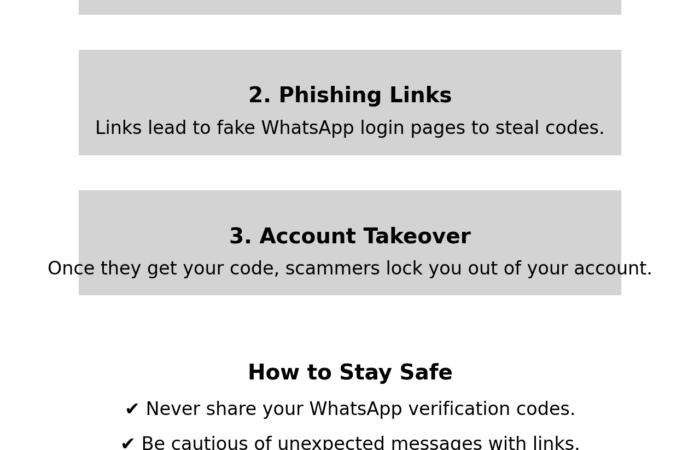
Beware of WhatsApp Phishing Scams: Protect Your Account from Takeovers
In today’s interconnected world, WhatsApp stands as a pillar of personal and professional communication. However, its widespread use has attracted cybercriminals employing deceptive tactics to

How you can customize your WordPress login URL
Today, wordpress has become one of the most popular CMS powering millions of websites on the internet and this has posed a significant threat to
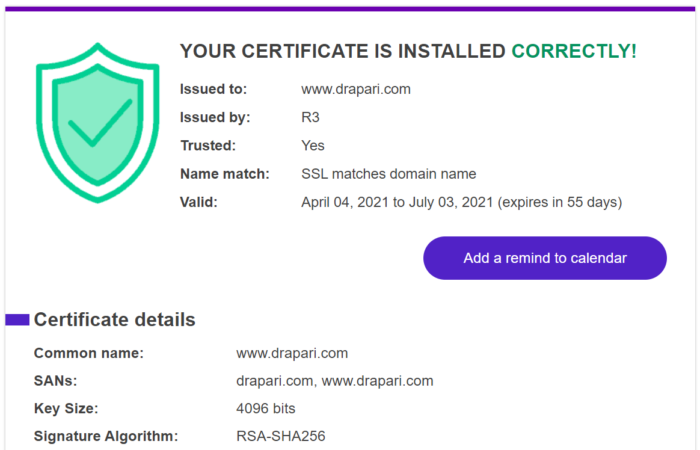
Check if your SSL certificate is installed properly & trusted by browsers
A friend recently recommended a new SSL checker tool, and I personally think it’s much more user-friendly than most of the tools I’ve ever used.

How to lock your drive with BitLocker without restarting your computer
Have you ever wanted to have an option to Lock your drive easily without having to restart your computer? Well, you have arrived to the

Using your custom domain email with Gmail
I have written you how to set Gmail to use your professional email with Gmail platform without another web mail platform or other app on
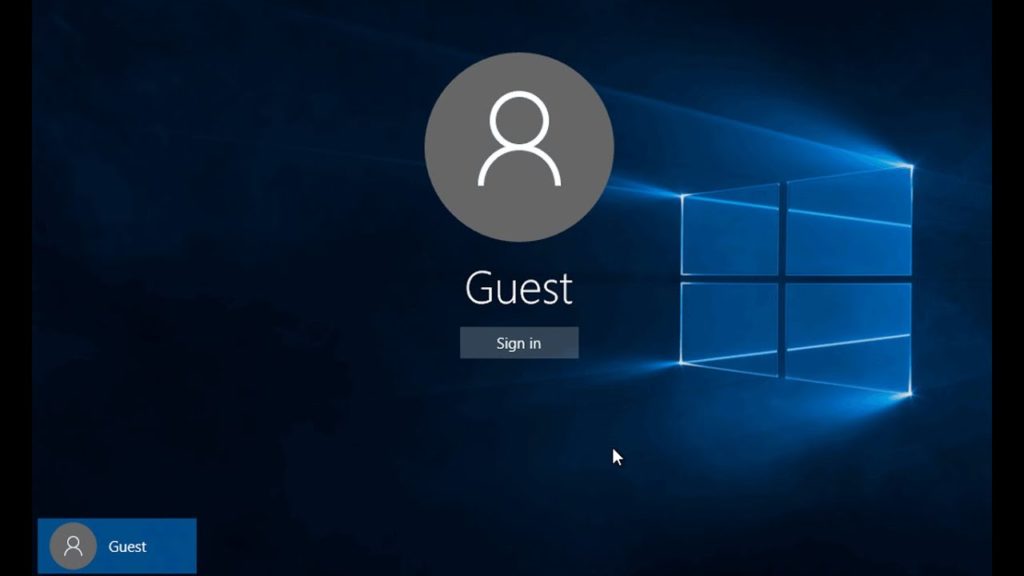
Enable guest account in Windows 10 via Group Policy
Note that Group Policy is not part of Home edition of Windows 10. So, this method doesn’t work on Windows 10 Home edition.
First Open Group Policy Editor, by typing Edit Group Policy in the Start or task bar search box and then pressing Enter key. Click Yes if and when you see the UAC prompt. Now In the Group Policy Editor, navigate to the following policy:

Hard Reset itel A11
At the very beginning turn off the mobile by holding the Power key for a few seconds. Now start pressing Volume own and Power buttons together for a short while.